Gear AT initialization
You can configure the setup of Gear AT product for your convenience. When the plugin is loaded, configuration file Gear_AT_ini.cmd is automatically imported from the Adams_Install_Dir/gear_at directory. You can use this file to set your personal preferences such as:
■FE preprocessor
■FE Mesh viewer
■Request activity
■Default damping ratio of a gear flex body (Full Flex Gear approach)
■Maximum number of gear elements
■Background color
■Solver settings
■Relative paths for property files
■Backup of property files
■Nastran installation path to use with Gear AT preprocessing
Or any other of your choice. The file could be placed in any of following location and is read in that order so the last one takes preference:
■Plugin installation directory - Adams_Install_Dir/gear_at
■Home directory
■Working directory
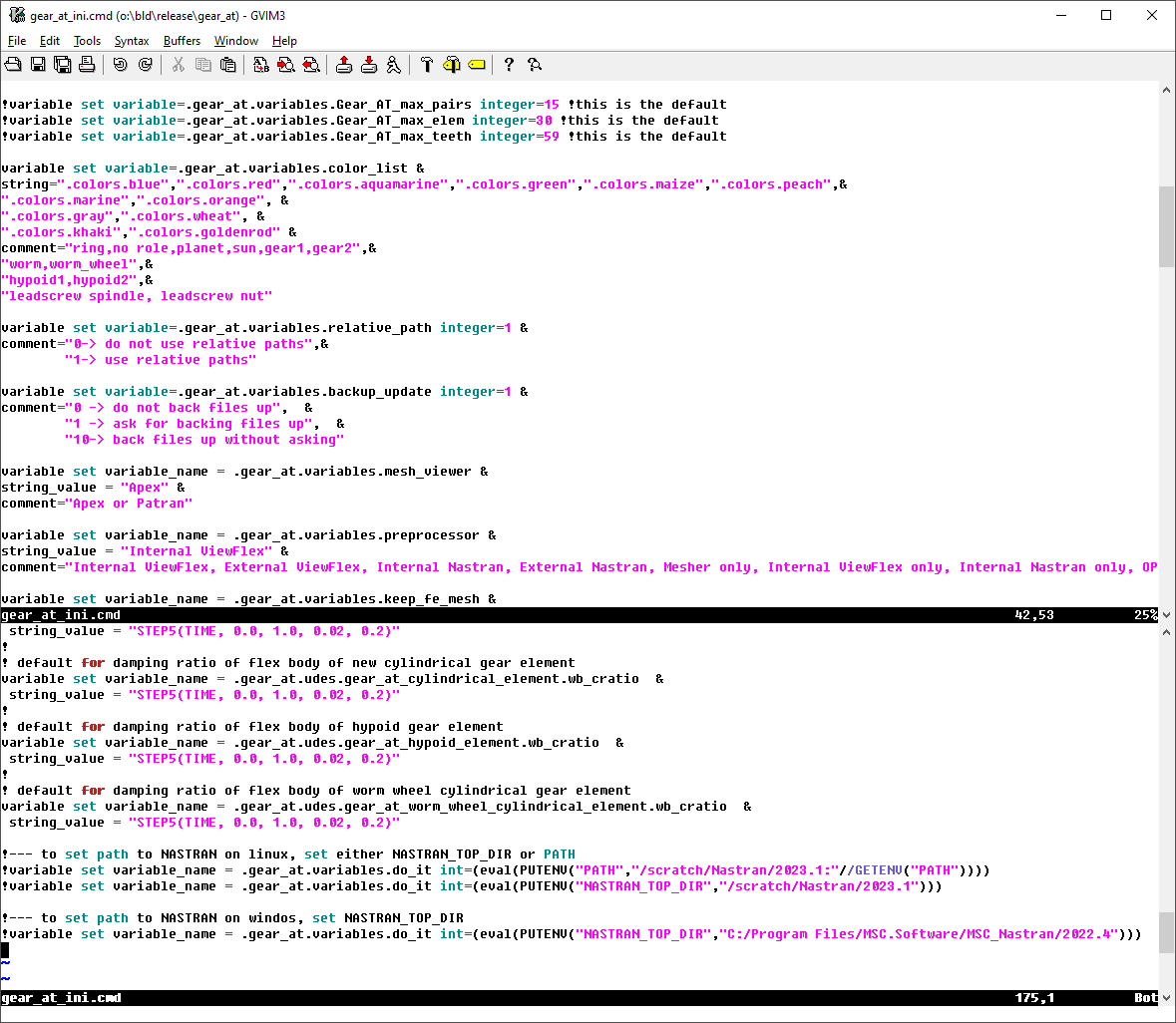
Figure 4 Gear AT configuration file