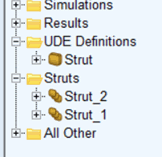
UDE Instance Creation
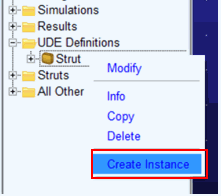
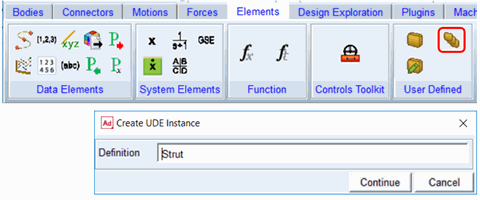
There are two methods to launch the instance creation dialog corresponding to a given UDE definition. One way is through the model browser where you select the UDE definition, right-click and choose “Create Instance” (only for UDE definitions stored in a model). The other way is through the ribbon where you navigate to Elements – User Defined and click the Create UDE Instance icon. This will prompt you to choose the UDE definition that you want to make an instance of.
The UDE Instance Create dialog will present fields for each of the parameters and inputs of the corresponding UDE definition. Once completed and the dialog is executed then the UDE instance is created within the model and will appear in the model browser.