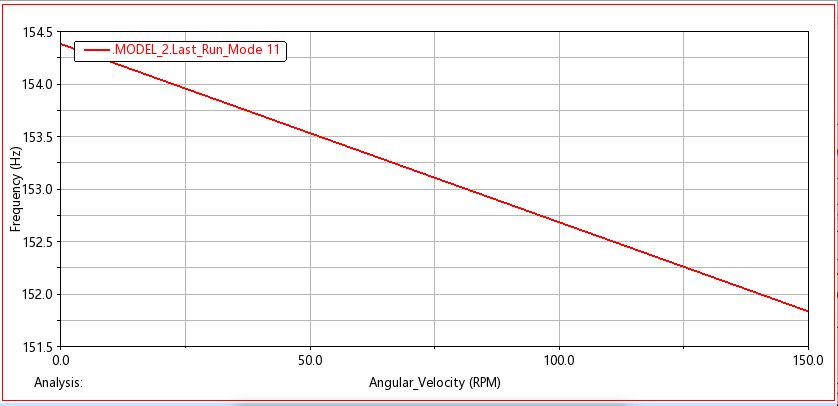
Rotor Dynamics Campbell Plots
This dialog is used to create a frequency vs. angular velocity Rotor Dynamics Campbell plot for selected modes. Analysis is a series of dynamic and linear eigen simulations launched via the Run Rotor Dynamics capability from the Simulation Controls dialog.
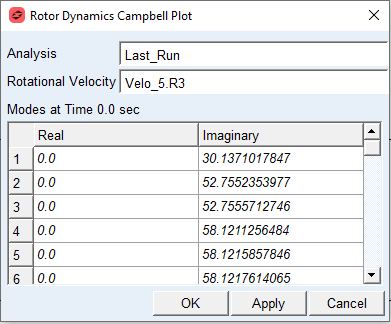
For the option: | Do the following: |
|---|---|
Analysis | Select an analysis composed of a series of dynamic and linear eigen simulations |
Rotational Velocity | Select a result set component for the reference rotational velocity to be used in the frequency vs. velocity plot. Note: Adams PostProcessor assumes this result set component’s values are in units of revolutions per minute (RPM) |
Rotor Dynamics Campbell plot for selected mode: