Window Layout
View → Layout
Main toolbox → Window Layouts toolstack
Main toolbox → Window Layouts toolstack
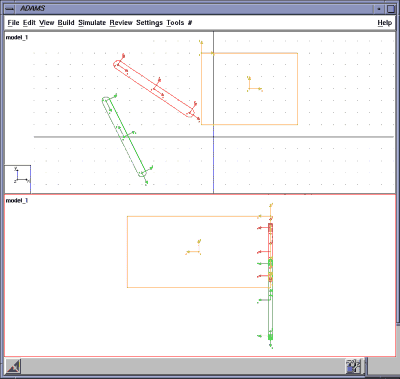
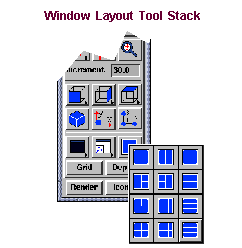
Provides 12 View window layouts for the Main window. The layouts vary from a single view window of your model up to six windows. Each window displays a different view of your model. Adams Views displays the current model (if there is one) into any of the views that are empty.
You select the layout you’d like for your main window from a palette of layouts or from the Window Layouts tool stack on the Main toolbox. The palette and tool stack contain the same set of view layouts. If you display the palette, you can keep it open so that you can quickly select another layout.
For the option: | Do the following: |
|---|---|
Any of layout choices | Select the choice to change the view window to your desired layout. |
Close | Select to close the palette. You can keep it open to quickly switch between layouts. |