Load Truck Plugin
To load Adams Car Truck:
1. Start Adams Car as explained in Starting Adams Car Standard Interface in the section Getting Started Using Adams Car.
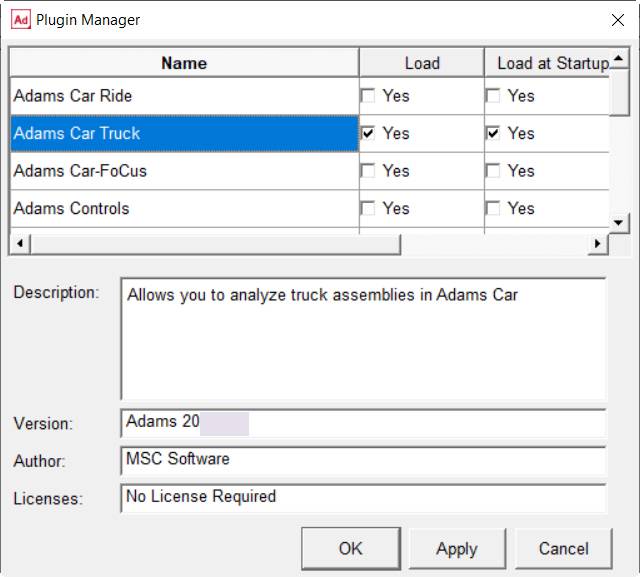
2. From the Tools menu, select Plugin Manager. For help on the Plugin Manager, press F1 when the dialog box is active.
3. In the list of plugin names, find Adams Truck, and then select one or both of the following:
■Load - Loads Adams Car Truck in the current session.
■Load at Startup - Instructs Adams Car to load Adams Car Truck in all future Adams Car sessions.
4. Select OK.
Adams Car loads Adams Car Truck.