FE Part Cable FE Load
1. Start Adams View.
2. Select Existing Model from the startup screen.
The Open an Existing Model dialog box will appear.
3. Select the fe_load.adm from “<topdir>\aview\examples\fe-part\” directory. For example, on a Windows installation for Adams version 20XX the example files are placed in the following location:
C:\Program Files\MSC.Software\Adams\20XX\aview\examples\fe-part\fe_load.adm.
4. Click OK button to close the dialog box and load the model.
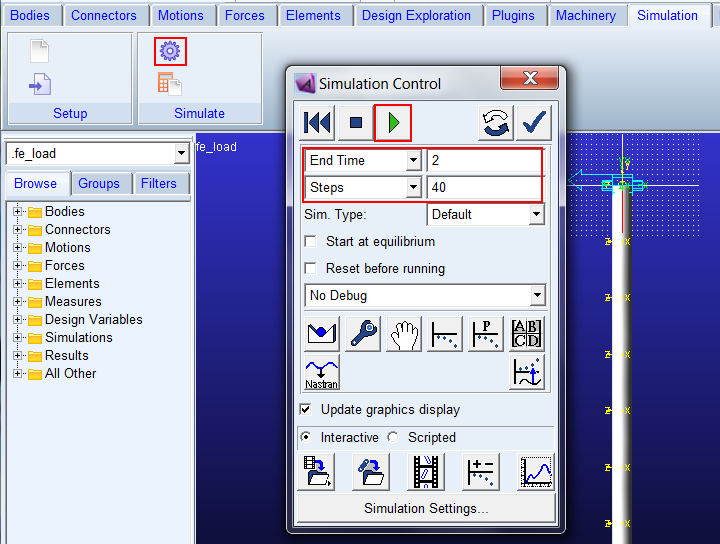
5. From the Simulation Control dialog box, launch a 2-second 40-step simulation.
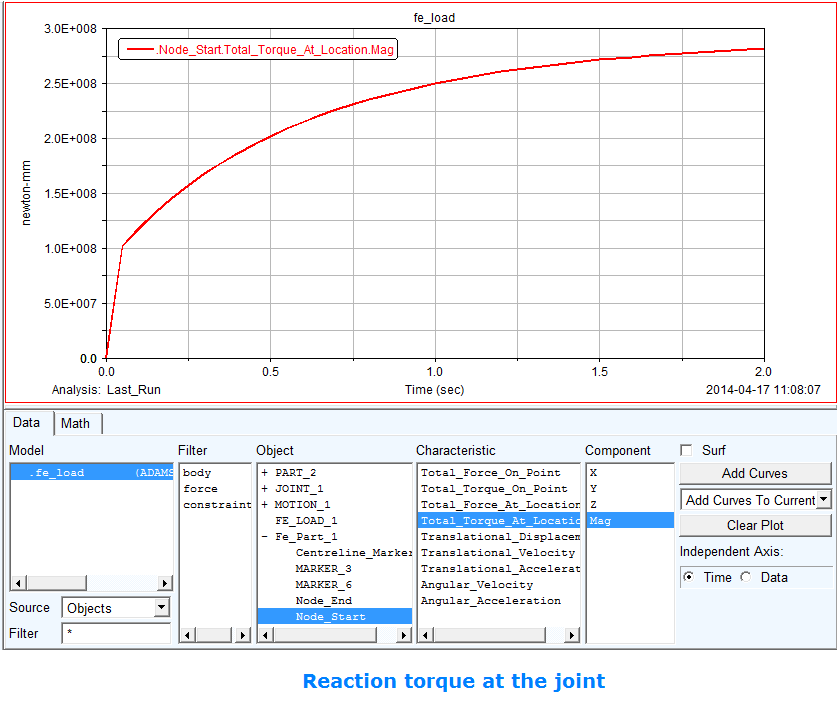
6. In the Adams Postprocessor verify the reaction torque at the joint and notice the reaction increases quadratically.