Simulating the Flexible Model
In this section, you’ll run a simulation of the cantilever link you created to see how it moves. You’ll run a one-second simulation that outputs data 100 times.
To simulate the flexible body:
1. Click the Simulation tab on the Adams View ribbon.
2. From the Simulate container, click the Simulate tool  .
.
. 3. In the Simulation Control dialog box, enter the following:
■In the End Time text box, enter 1 second.
■In the Steps text box, enter 100.
4. Select the Simulation Start tool  . You see the cantilever link oscillating because of the force of gravity as shown in the next figure.
. You see the cantilever link oscillating because of the force of gravity as shown in the next figure.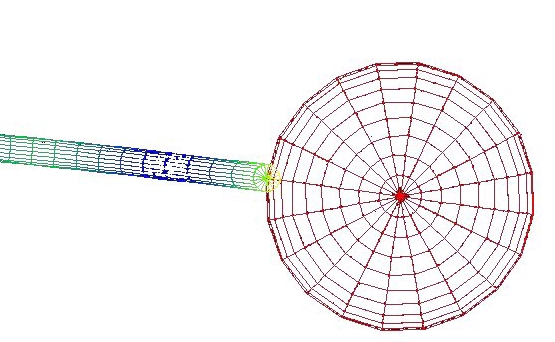
Figure 6 Oscillating Cantilever Link