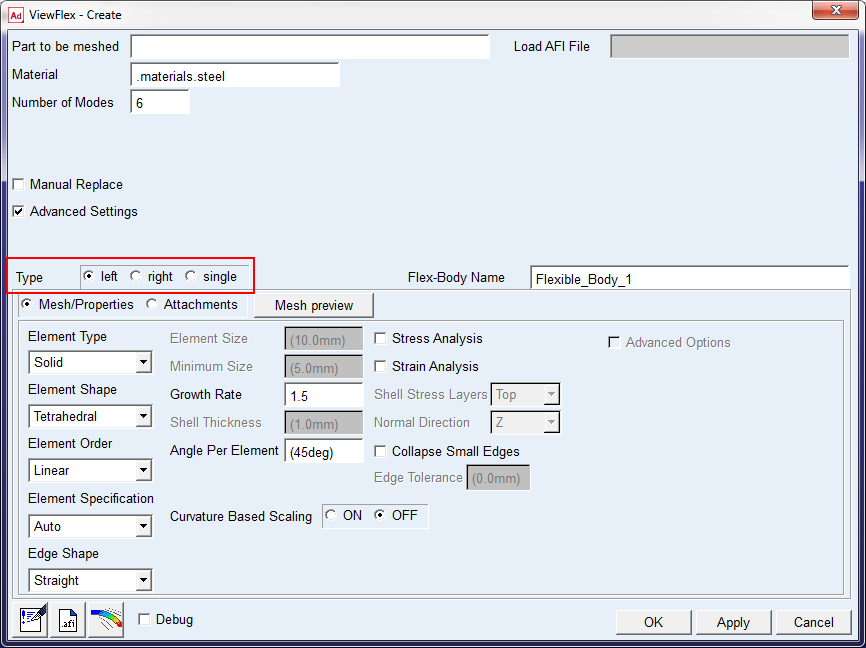
Setting Symmetry of Flexible Bodies
When generating a flexible body in a template-based product, the symmetry of the flexible body has to be set first.
To set the symmetry:
The Type can be set to:
■Left/right - Defines either the left or the right of a flexible body, and the template-based product creates the corresponding opposite flexible body by default.
■Single - Defines a non-symmetric flexible body.
(
Important: | ■Set to single automatically when creating truck frames in Adams Car. Truck frame construction is assumed to involve a single flexible body. ■The Left/Right/Single options only available in Adams Car. |