Location
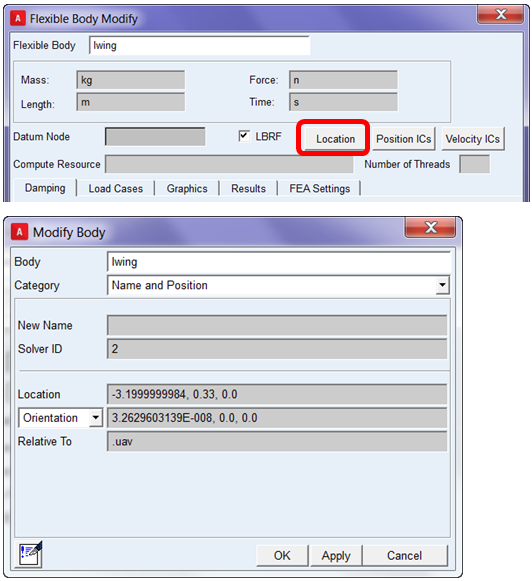
In addition to the typical Adams View move methods like the Precision Move dialog, nonlinear flexible bodies can be moved from the modify dialog via the Location button. It opens the Modify Body dialog and sets it for modifying the position of the body:
Note: | Additional processing time is necessary and will cause a delay in Adams View operation when the one transforms the location of the flex body based on its center of mass (CM). This requires additional information to be calculated for the nonlinear flexible body behind the scenes by the Adams NLFE Service. |