Modify Gear AT Nut / Spindle Element
An existing Gear AT Nut Element can be modified in several ways; by right-clicking on the object in Adams/View (Figure 343), by right-clicking in the Model Browser and/or through the database navigator. In current version of Gear AT you can only review definition of gear element and view property file from info window (see Figure 344).
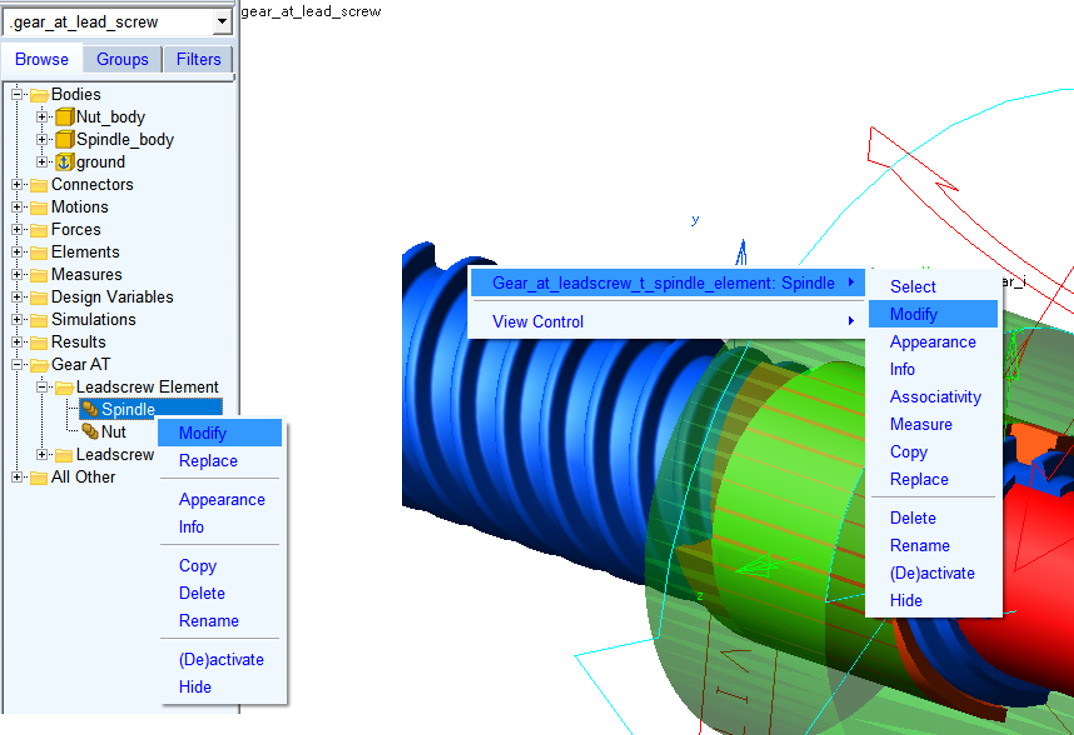
Figure 343 Modify Gear AT Spindle element
When a Gear AT Spindle Element is selected for the modification, a dialog box is popped out, as shown on the left side of the Figure 344.
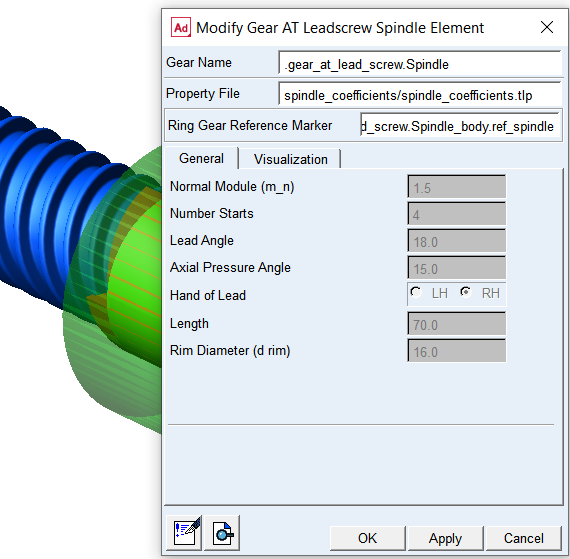
Figure 344 Gear AT Nut / Spindle element modify