KISSsys Model Import (Legacy)
Gear AT directly supports the import of KISSsys models in collaboration with KISSsoft. The current interface supports FGF files for teeth, structural geometry descriptions and placeholders. This option can be launched as shown in Figure 166.
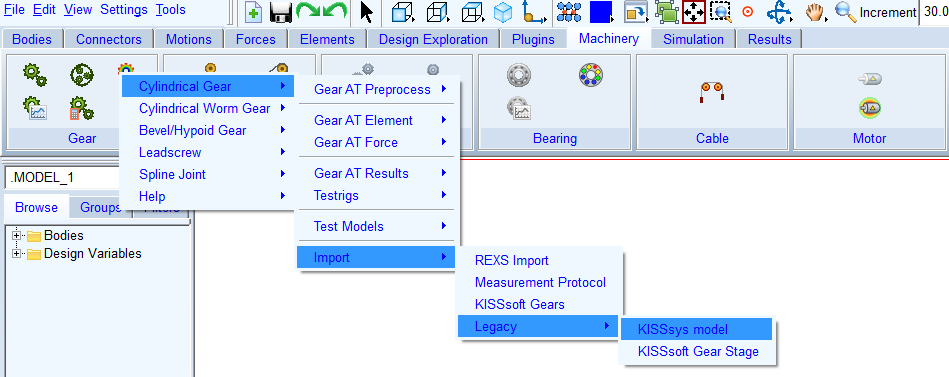
Figure 166 Import Interface - Main Menu
You need to select a *.GTS file (Figure 167) which defines topology of the model.
It includes information about the general setup of the drivetrain assembly. It defines which parts are used and how and where are they connected. It also references to the needed component files, where the components are described in detail. The GTS file is the top-level of the model description, the components details are delivered in a fixed directory sub-structure relative to the GTS file location.
This file is exported along with gears and bearings data files from KISSsys by the usage of special template provided by KISSsoft AG upon request.
For the import of Gear select one of following options:
Use Existing - This option skips proprecessing of a gear in case there are property files existing in the working directory.
Create Props - This option generates all necessary data for gears modeled by the Flexible Tooth option (solids for display and Nastran modeling). Automated process reads in all property files and start the mesh generation and Nastran solver in parallel. Hereafter the gears are created and assembled within Adams model.
Create Element - This option creates Gear AT gear element in the Adams model.
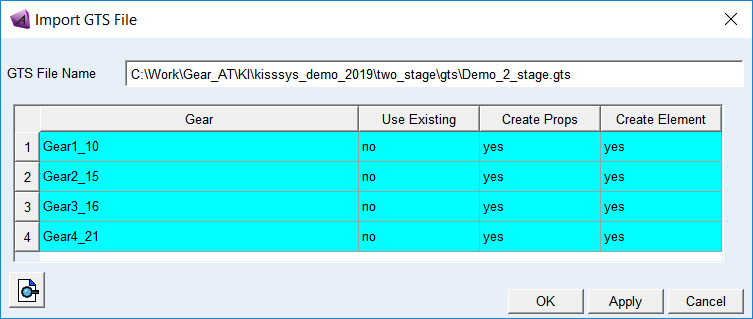
Figure 167 Import Interface - Selector
The physical bearings are substituted by geometry of cylinders showing the same outer dimensions as the modeled bearing. The connection to the surrounding parts in Adams is realized via joints. The outer connection is represented by a revolute joint, while the inner connection to the shaft is represented by a fixed joint. Eventually, the user has to adapt the masses of the placeholder. In addition the users perhaps wants to replace the pre-defined joints, depending on the functional behavior of the modeled system. You need to create Bearing AT elements manually.
A demo file structure is delivered with Gear AT. The demo model has one gear stage as depicted on Figure 168.
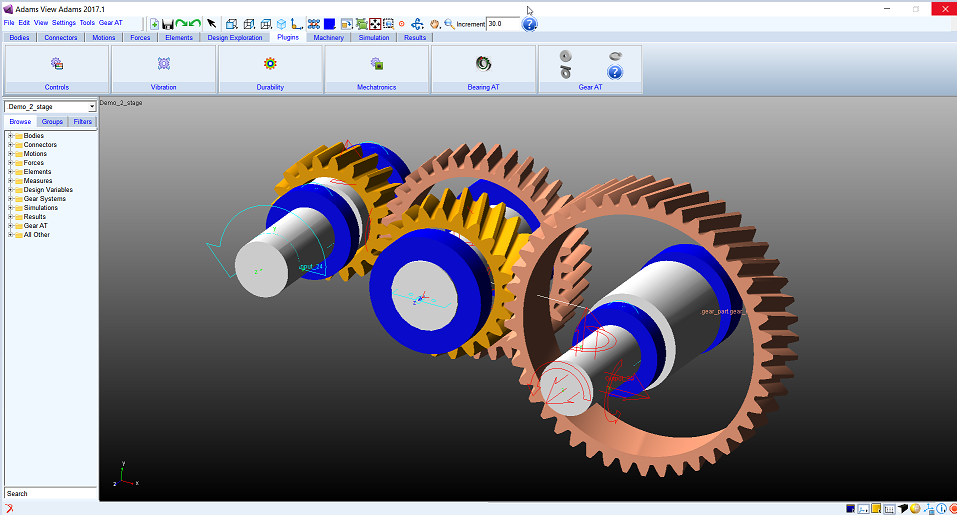
Figure 168 Import of a KISSsys demo model
Note: | This import option creates Adams model using old cylindrical gear element, which was dropped in the current release of Gear AT; formerly known as Cylindrical Gear (Prior Release) hence it is not compatible with the new Cylindrical Gear element introduced in Gear AT 2020. Please follow steps to convert the Adams model described in dedicated chapter Gear AT convert FGF. |