Property Editor - Spec Line
In treeview -> plot -> spec_line
Lets you edit the properties of spec lines.
Learn more about Adding Spec Lines.
For the option: | Do the following: |
|---|---|
X Value/Y Value | ■For a horizontal spec line, enter only a y value. ■For a vertical spec line, enter only an x value. ■For a diagonal spec line, enter both an x and y values. For example, entering both x and y values, provides the following diagonal spec line: 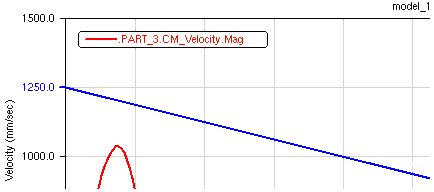 |
Line Color | Select the Line Color for the text. |
Line Style/Line Weight | Select the type of line style and weight for the spec line. The weight values range from 1 to 5 screen pixels. |