Animation of 4D Plots
4D Plots can be animated with both the Time Marker and Advancing Surface animation options as described in Animating Results.
Animation Type
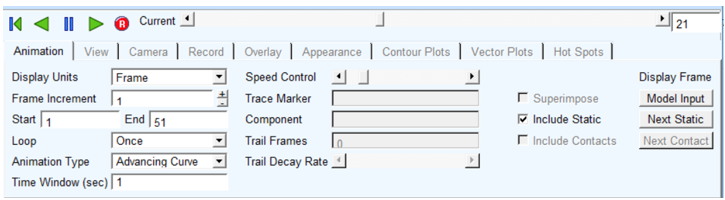
This option determines how the plot's curve(s) will be drawn as time moves forward. It has the following two options:
■Advancing Curve: Includes a sub-option "Time Window (sec)" by which a moving window of time can be specified (for example, display on the last 5-seconds of time). Plot's curve(s) and 4D plot surface will be drawn in a way where h-axis has range of values equivalent to time window, if specified, and curve/surface will be displayed in accordance with time value.
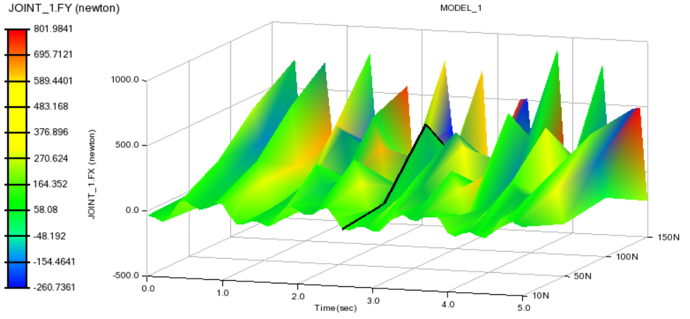
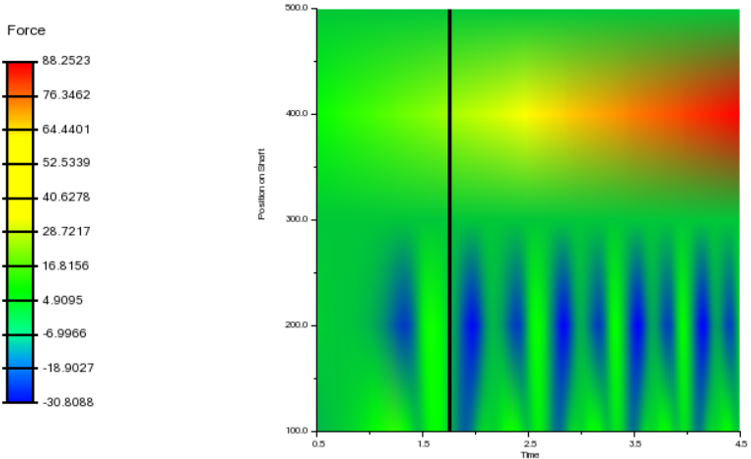
■Time Marker: Plot's curve(s) will be displayed as per the axes' limits. In addition, a vertical line with a symbol tracing the curve's value at a particular will be displayed at a given frame. In case of 4D Plot, a line across time axis will be displayed at each time step.
Time Marker Animation with 4D Plot
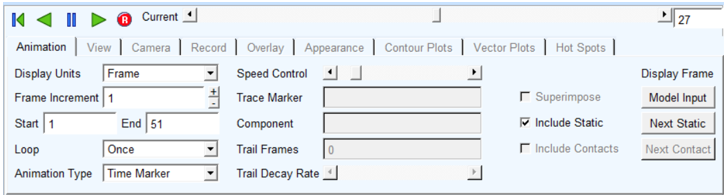
At a given time step, a time line will be displayed as follows.
In case of 2D color map, vertical line will be displayed as "Time Marker" at a given time.
Advancing Surface Animation
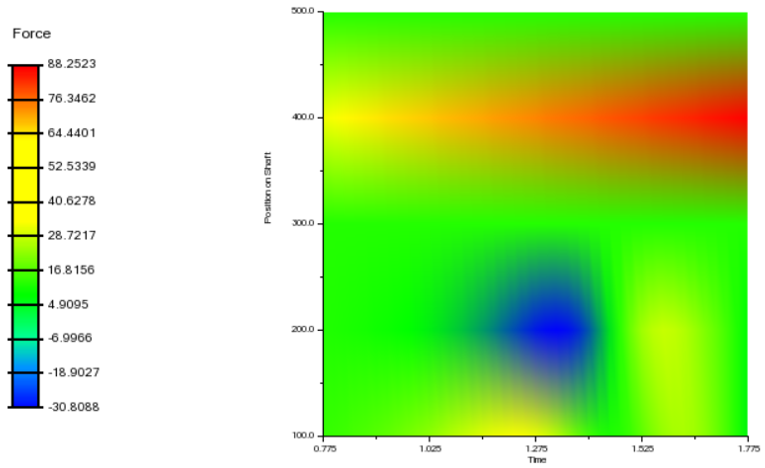
Time window of 1 sec has been used to analyze results as follows.
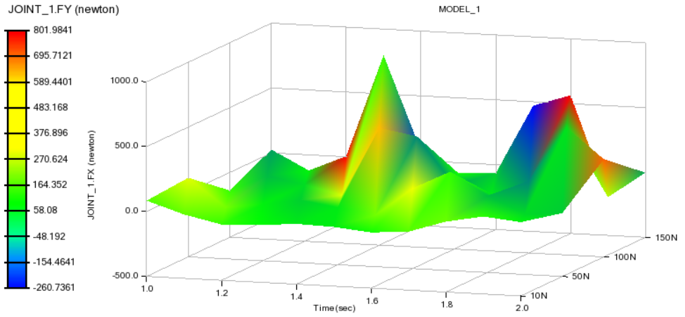
Intermediate stage having time values of 1-2 range has been shown during animation.
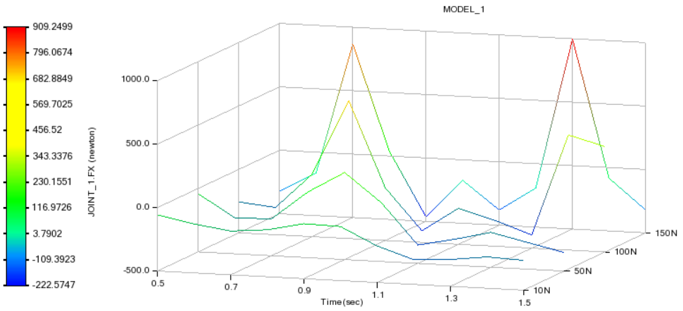
Advancing animation can be done in stacked curves mode also as follows:
Advancing animation with 2D color map will be displayed as follows: