Graphical Topology
Database Navigator → Graphical Topology
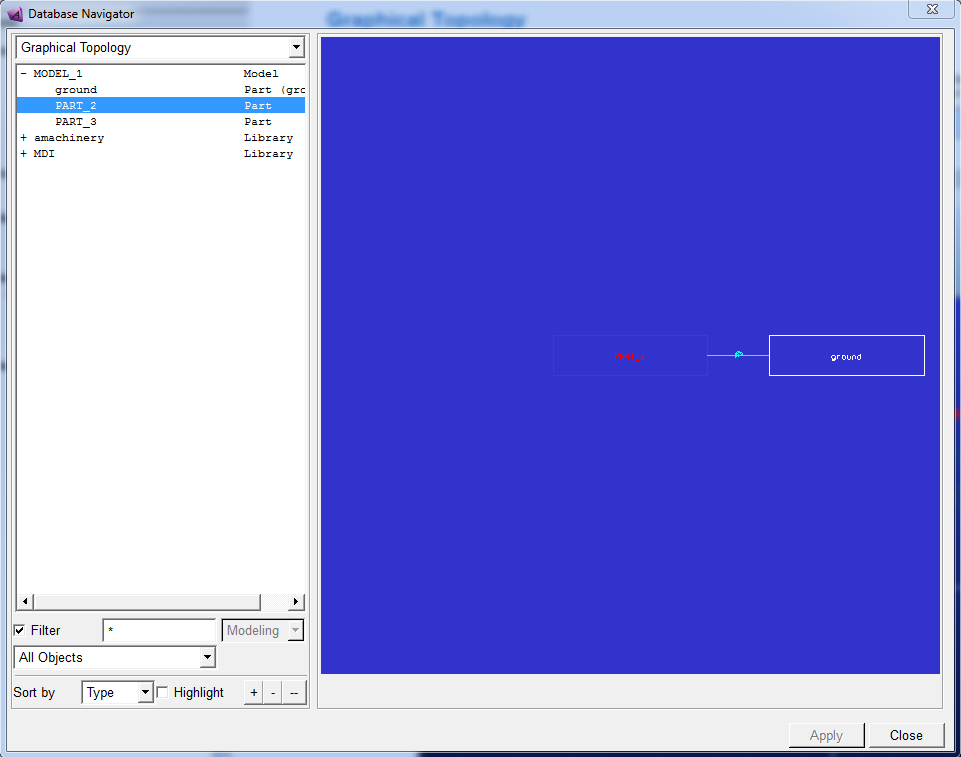
Allows you to display a representation of the selected part and shows its connections to other parts. The connections represent the joints, forces, coupler or gear constraint between the parts. Each time you select a different part in the tree list of the Database Navigator, the graphical display changes to show the selected part at the center of the display. If the object is inactive, the part appears dimmed.
Below is an example of graphical view topology.