Lighting Settings
Settings → Lighting → Lighting Settings
Helps you enhance the quality and realism of your animations.
Click a tool below for more information.
Learn more about Setting Up Lighting.
Icon | Description |
|---|---|
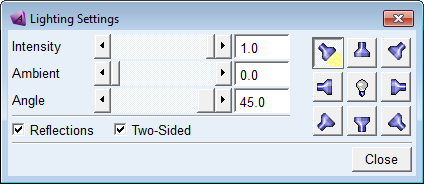
Intensity | Slide to set how bright the overall light is. |
Ambient | Slide to set the ambient light. |
Angle | Slide to set how far from the center line the light source is. May not be appropriate for all light sources, such as front. |
Reflections | Toggle to set up reflections off of parts. See Reflections Example. |
Two-Sided | Turn on to have lighting come from two sides. |
 | Turns on and off the light |
 | Set from upper left corner. 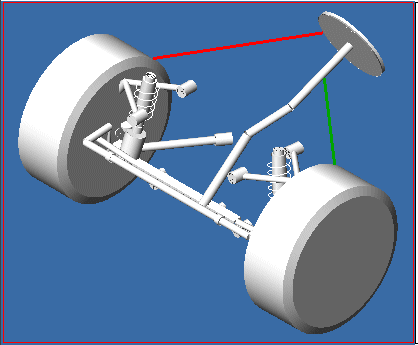 |
 | Set from top 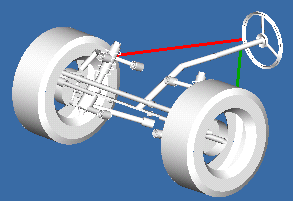 |
 | Set from upper right corner 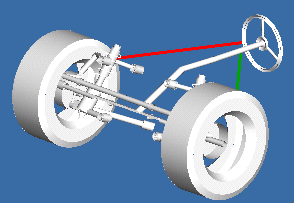 |
 | Set from left side 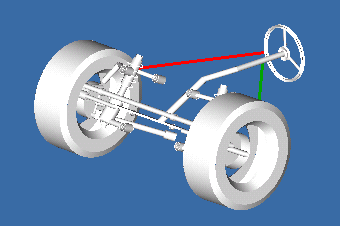 |
 | Set from right side 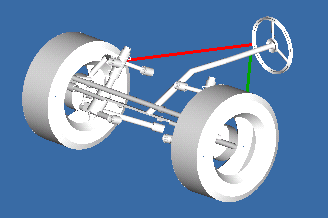 |
 | Set from lower right corner 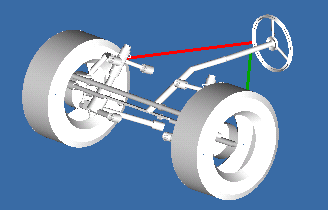 |
 | Set from bottom 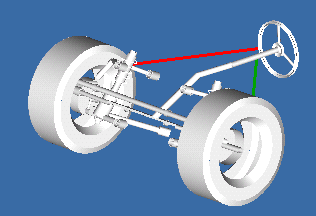 |
 | Set from lower left corner 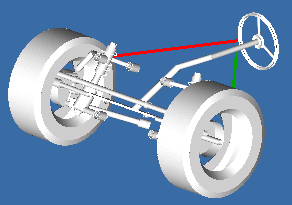 |