Starting the Real Time Animation component
Before starting the simulation, the Real Time Animation component needs to be started in case the Animation is at a different platform than the simulation, so that it can visualize the model geometry. This can be done at any (Linux) platform that can have ethernet (UDP) contact with the simulation platform (Windows or Linux). Both platforms need to have Adams installed. Running the simulation and animation at the same (Linux) platform is also possible.
Currently the Real Time Animation component can run at RedHat 7.6-7.9 and 8.0 - 8.4 platforms that fulfill the hardware requirements as specified in the section Adams Real Time Animation requirements.
The hostname of the animation platform needs to specified in the FMU used for the simulation.
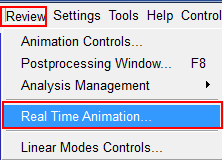
For starting the Real Time Animation component, start Adams Car, and click on Review - Real Time Animation:
Then, the Real Time Animation Component requires you to select the FMU that is also used for the simulation. You either need to transfer the FMU from the simulation platform to the animation platform or both machines have access to the same (network) location.
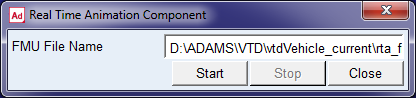
When clicking on 'Start' the Animation window will pop up and be prepared to receive the animation information from the simulation machine via a UDP connection (port 48191).
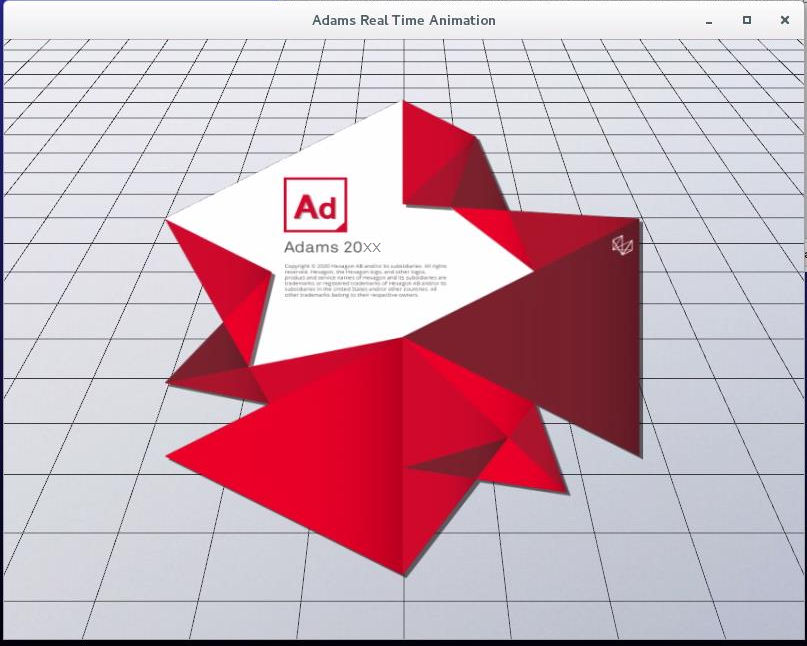
The Animation window can be used for repeated simulation with the same FMU without starting and stopping the component.
Note: | The Real Time Animation component does not support visualization via a remote login or interfacing tools. |