Accessing the ViewFlex Dialog Box
The ViewFlex dialog box is used to create a flexible body. In order to access the ViewFlex dialog box ViewFlex has to be loaded first.
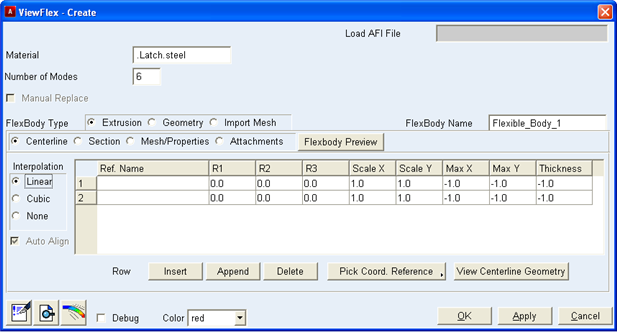
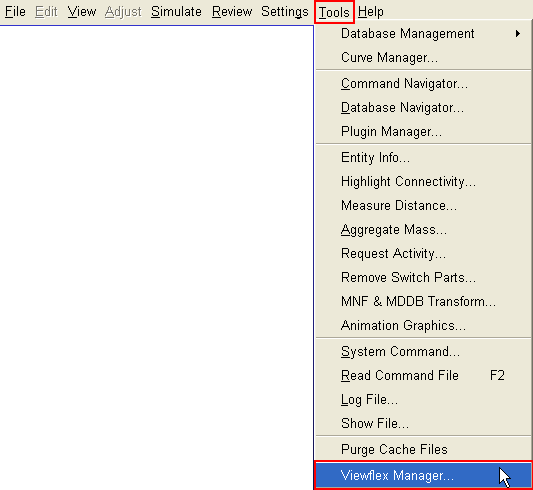
Load ViewFlex from within Adams Car
■Click Tools → Viewflex Manager
Load ViewFlex from Adams View
■From the Ribbon menu, select  to open ViewFlex dialog box.
to open ViewFlex dialog box.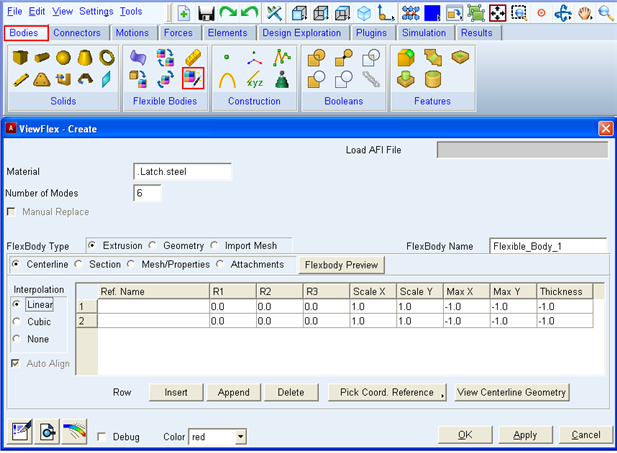
Figure 1 Selecting ViewFlex from Ribbon menu
■From the Classic menu, select Build → Flexible Bodies → ViewFlex.
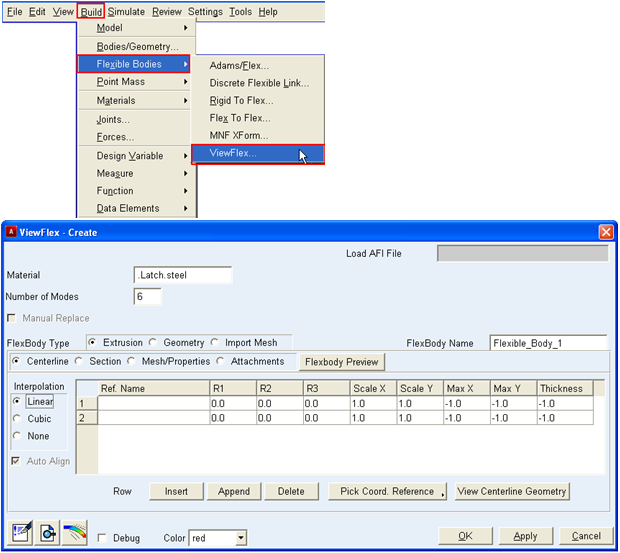
Figure 2 Selecting ViewFlex from Classic menu
■You can also access ViewFlex by clicking Right-Mouse-Button (RMB) on any Adams Part.
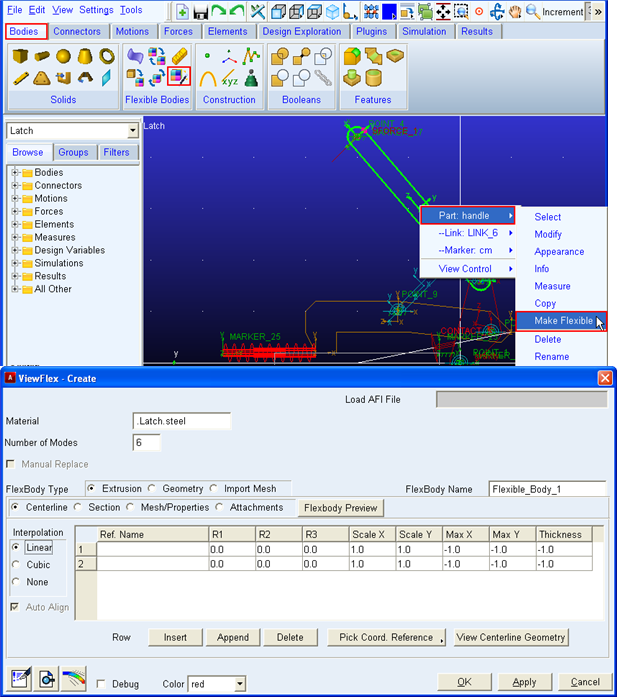
Figure 3 Selecting ViewFlex using right click
■By selecting the 'Make Flexible' option you can create flexible body by creating a new mesh or use an existing mesh (with afi and mnf file as input):
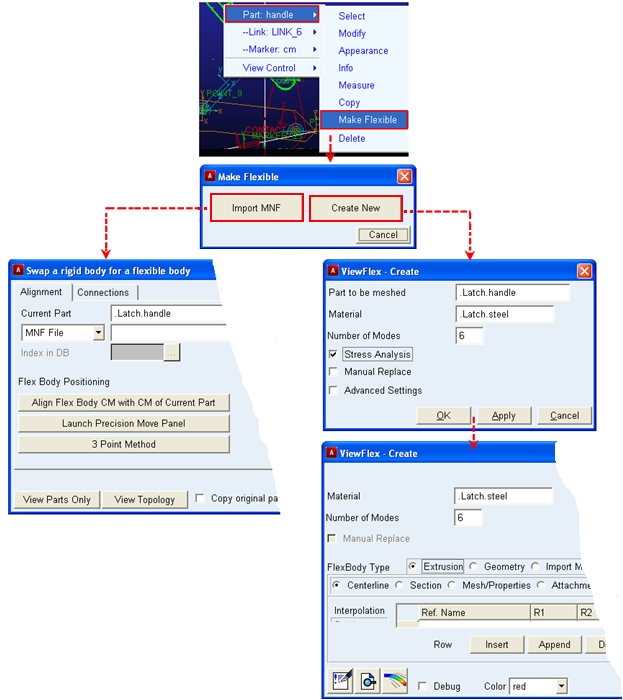
Figure 4 Creating a new mesh of using existing mesh (afi, mnf data)
Displaying the ViewFlex dialog box in a template-based product
■Change to template-builder mode.
■From the Build menu, point to Parts, point to Flexible Body, and then select ViewFlex.