Result display
Adams/PostProcessor is launched by the Adams/GUI as depicted by Figure 436. You have wide variety of options to meet the requirements for set-up, plotting and animation. You have also options to create avi-files or to export results as ASCI-files in different formats. Please consult the help about Adams/Post for more details.
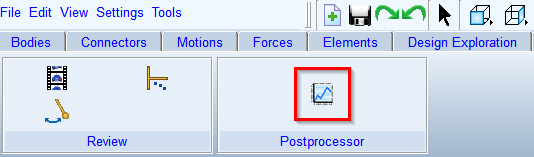
Figure 436 Adams/PostProcessor launch from main tool bar
Results are always displayed in the selected units; see under Settings → Units in the main tool bar. Figure 437 gives an idea, how one can display results.
A more detailed discussion about physical interpretation of the results is given in the Gear AT Results section of respective gear type:
■Requestsfor Cylindrical Gear
■Requestsfor Cylindrical Worm Gear
■Requestsfor Bevel / Hypoid Gear
■Requestsfor Lead Screw
■Requests for Spline Joint
There are following options for enhanced results postprocessing:
Export results to KISSsoft to analyze torque and speed distribution | |
Displays contact stress distribution over tooth flank |
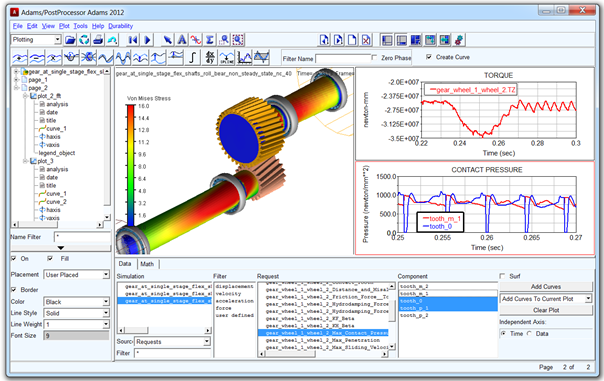
Figure 437 Adams/PostProcessor plotting and animation of results