Joint Palette and Joint and Motion Tool Stacks
Ribbon menu → Connectors tab and Ribbon menu → Motions tab
or
(Classic) Build → Joints
(Classic) Main toolbox → Right-click Joints and Motion tool stacks
(Classic) Main toolbox → Right-click Joints and Motion tool stacks
Displays tools for creating joints. The palette contains the entire library of joints while the tool stacks on the Main toolbox contain only subsets of the most commonly used joints.
Learn about Using Toolboxes, Tool Stacks, and Palettes. Also learn about:
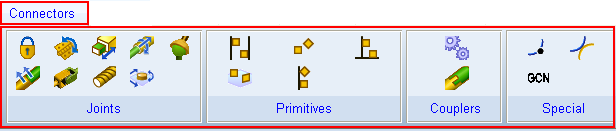
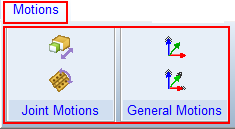
Joint Toolstack | Motion Toolstack | Create Joints Palette (from Build Menu) |
|---|---|---|
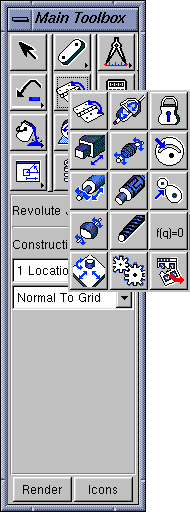 | 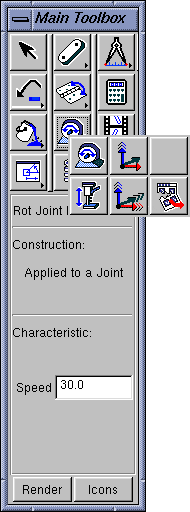 | 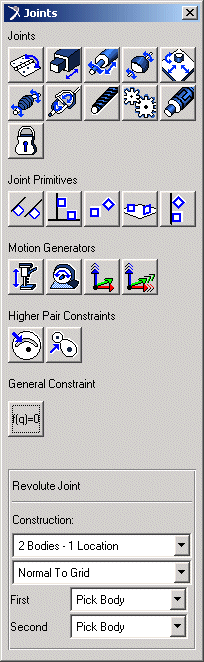 |
Icon | Link | Icon | Link |
|---|---|---|---|
 |  | ||
 |  | ||
 |  | ||
 |  | ||
 |  | ||
 |  | ||
 |  | ||
 |  | ||
 |  | ||
 |  | ||
 |  | ||
 | |||
Construction or Settings Container | Contains options for creating the selected object. The options change depending on the type of object that you are creating. For example, when you create a link, Adams View lets you specify its width, length, and height before creating it. Then, as you create the link, these dimensions are set regardless of how you move the mouse. You can also define design variables or expressions for many values. | ||